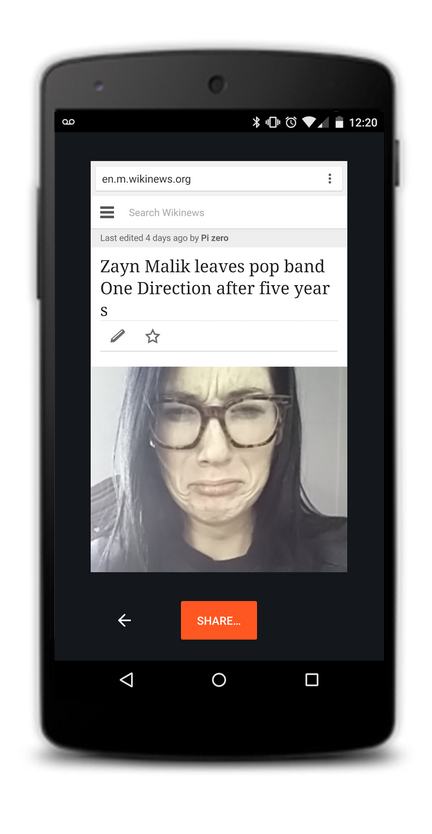
Have you ever read an article that made your jaw drop or seen a funny clip that made you laugh until you cried? Now, #ChromeSelfie lets you show your friends exactly how you feel.
If you’re a selfie fanatic like me you've probably sent a lot of selfies in reaction to articles in the past, but it takes a lot of time and hassle to exit Chrome, open the camera and snap a pic. In fact, with so much of our time spent browsing online, most Chrome users lose up to 6 hours of selfie-taking time every day! And we think it’s a tragedy that your reactions, as well as luscious lashes and beautiful brows, are going uncaptured. With #ChromeSelfie you can share sites with your family and friends on social media and via instant messages, along with a handsome selfie instead of cumbersome text.
As a pioneering platform, Chrome on mobile is committed to being at the forefront of innovation in the selfie space. One #ChromeSelfie can easily replace dozens of words, improving efficiency and comprehension. Starting today, when you open Chrome on your mobile you’ll see a promo and with just a few clicks you can share your reaction with your friends.